I Can Do Hard Things

Today is the 112th anniversary of my Granny’s birthday.  Kathleen Matheson (Gooch) was born 14 May 1901 in Parowan, Iron County, Utah.  Because of her example, I know I can do hard things.

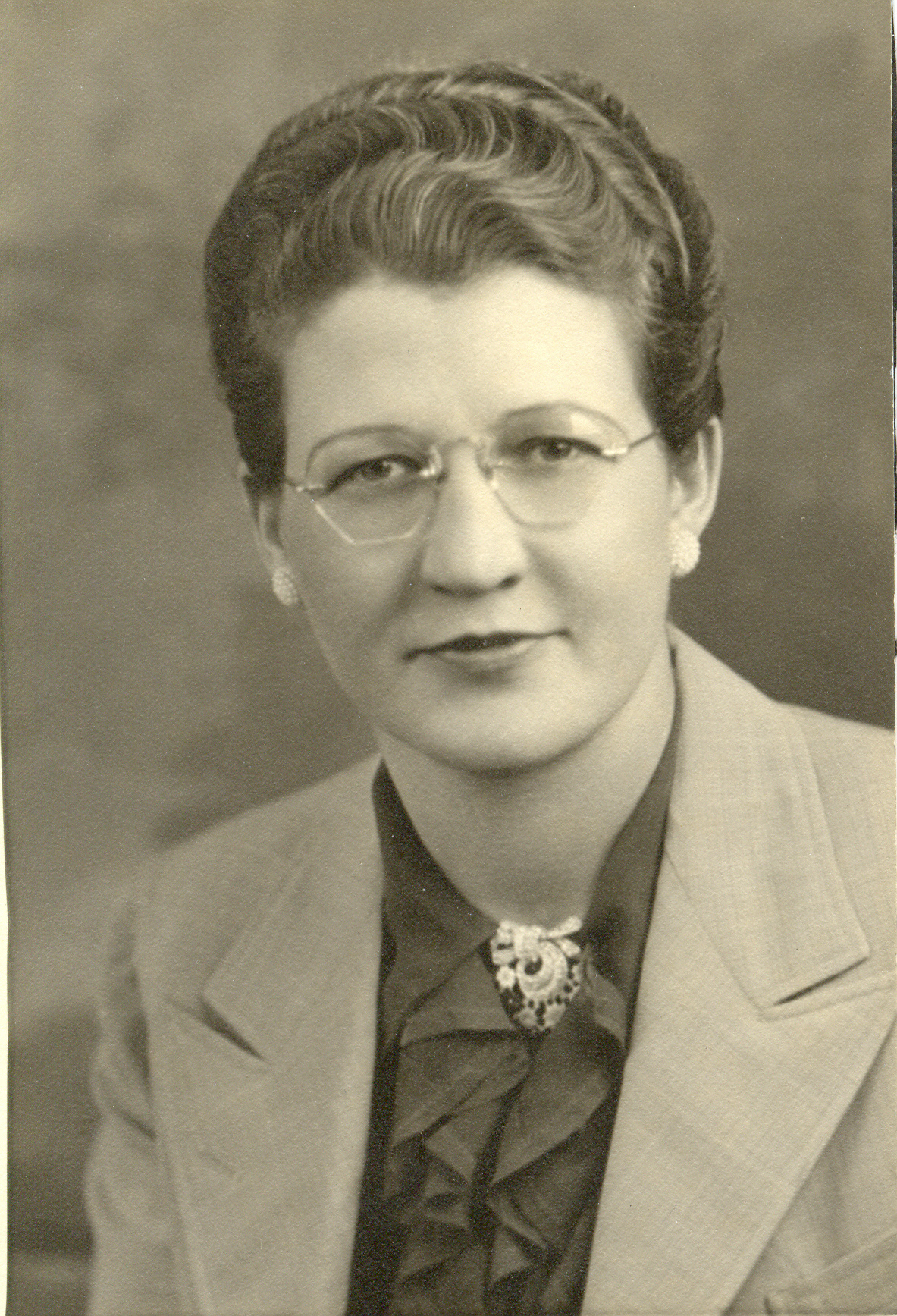
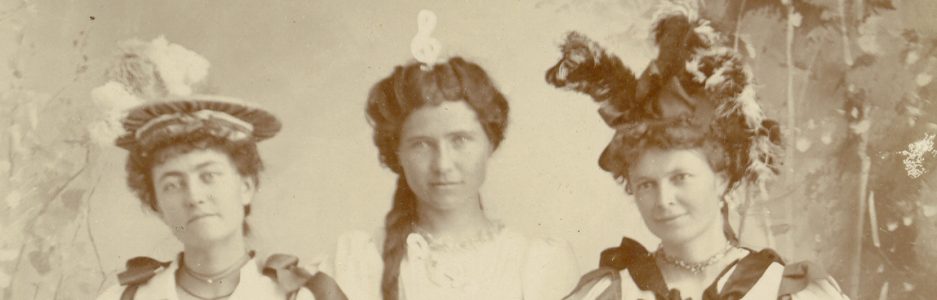
Kathleen Matheson portrait 1

When Kathleen was 36, her husband  of 16 years, Allen Lee Millard (Nig) Gooch, was killed in a flash flood in Clifton, Greenlee County, Arizona.  She was now faced with supporting herself and her son Millard Earl Gooch (my father), who was 13 years old at the time.  Kathleen had an 8th grade education.

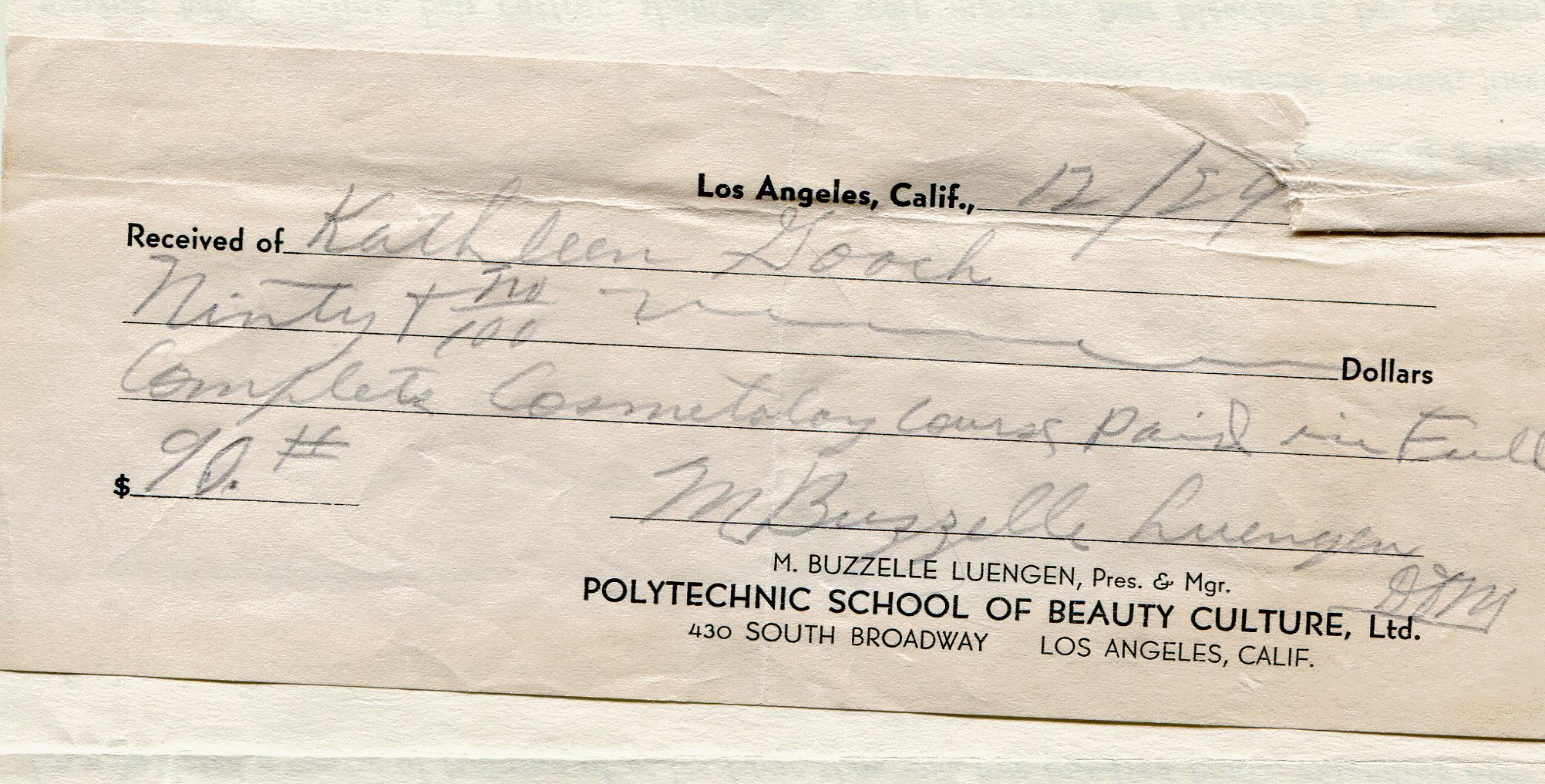
Nig died 21 Sep 1937, and by December Kathleen had paid $90 tuition for cosmetology school in Los Angeles, California.

Kathleen Matheson Cosmetology School receiptWP

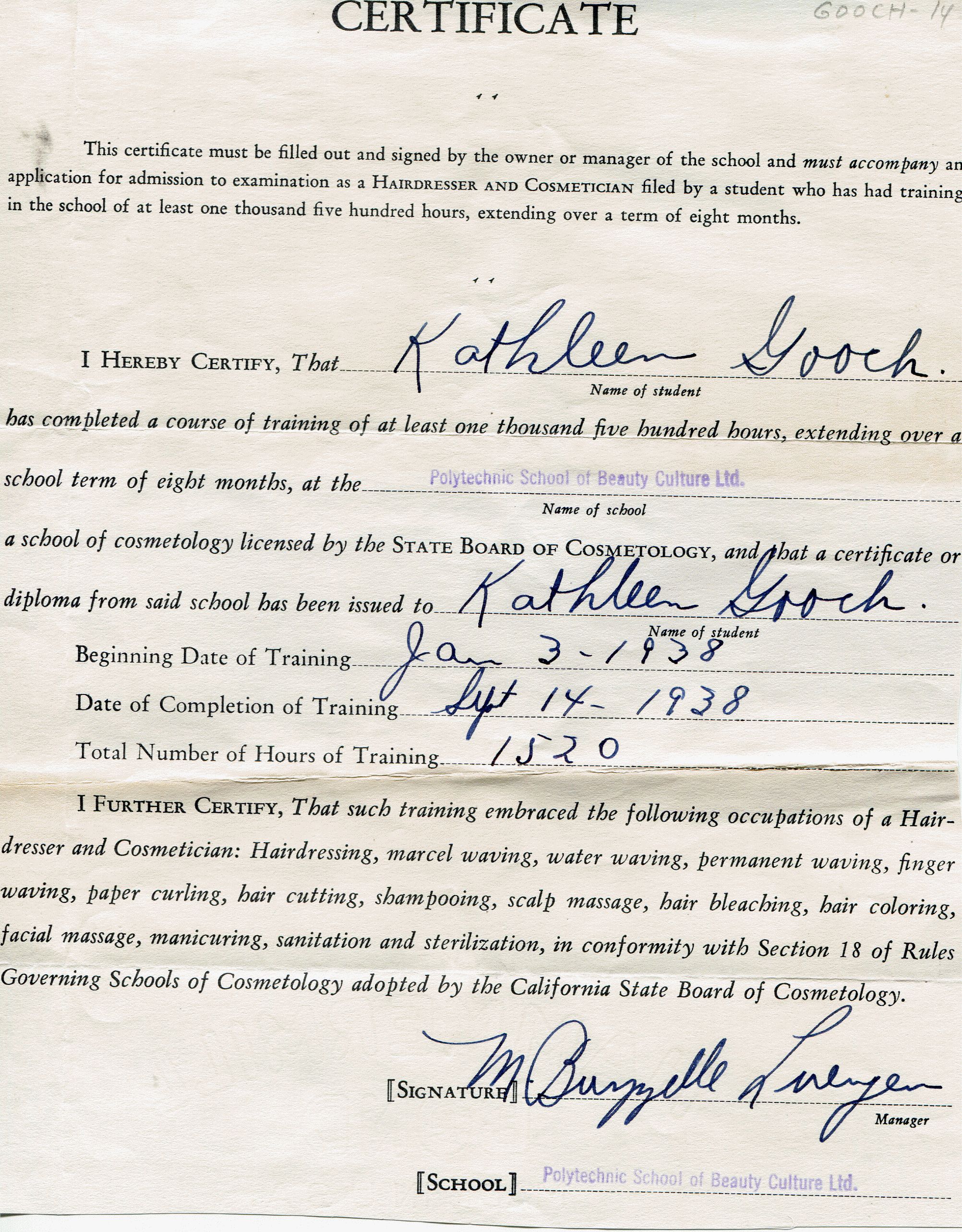
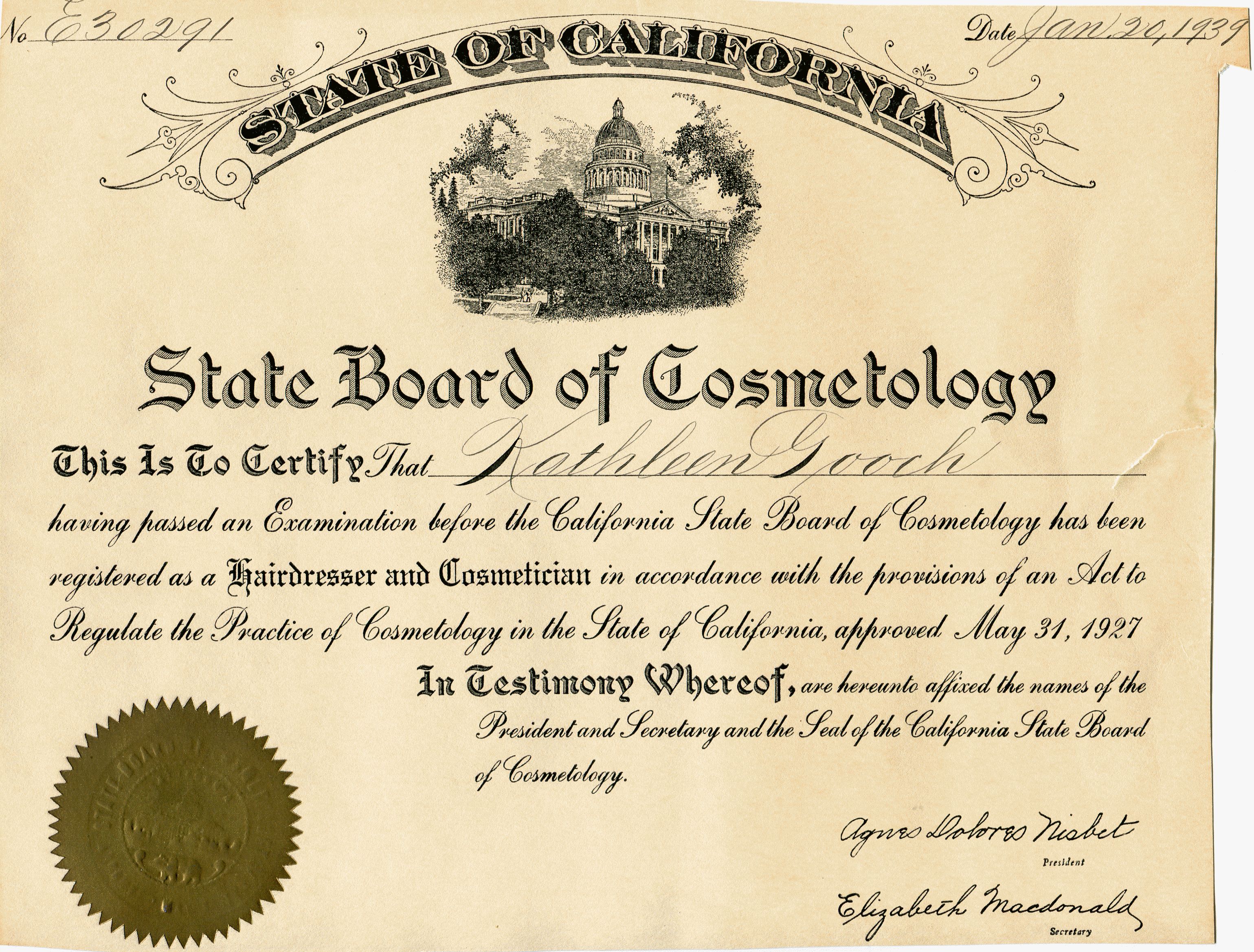
Her son stayed with his grandparents in Arizona while she studied to be a beautician.  She began school 3 Jan 1938, and earned her certificate 14 Sep 1938.  She was licensed 20 Jan 1939.

Kathleen Matheson cosmotology school certificateWP Kathleen Matheson Cosmotology licenseWP

It is my understanding that she then set up a little salon in the back of a barber shop in Safford, Arizona.  I admire her great strength at a very difficult time, when it would have been easy to fold.  Instead she took action.  It must have been hard to leave her son and travel alone to a big city to get the training she needed.  It must have been hard to adapt to the new role of breadwinner for her family.  I am in awe of her.  She was active in civic groups for businesswomen, and later worked in retail after her beautician days were over.

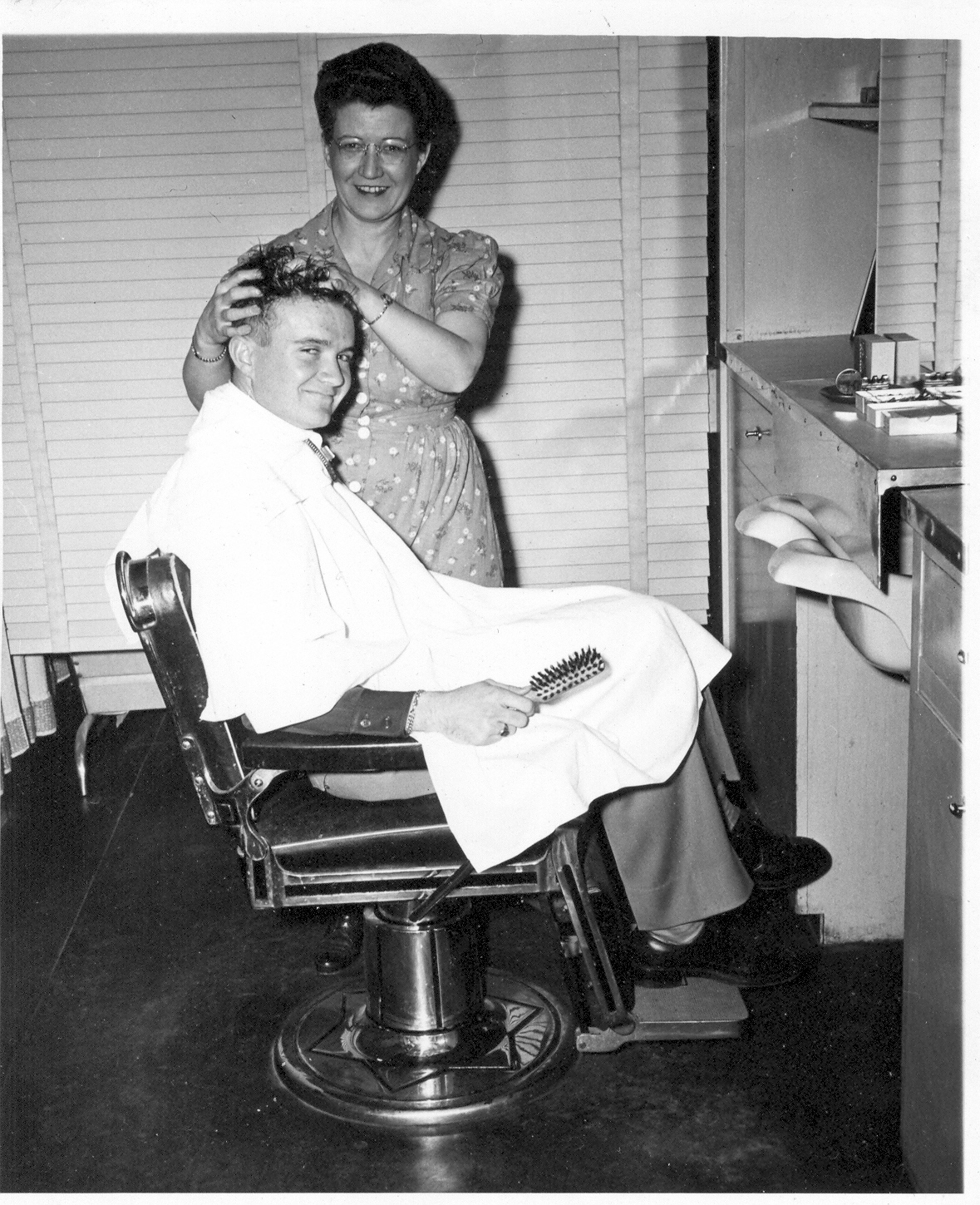
Kathleen and son Earl in her beauty salon, est. between 1944-1946

I think the portrait at the top of this post exudes strength and beauty, and great class.  I also love her hair—which I inherited, by the way!

Kathleen Matheson Gooch lived independently all her life, was mentally sharp, had very few health problems, and died at age 98 on 19 Jan 2000.  Her life spanned the entire 20th century!

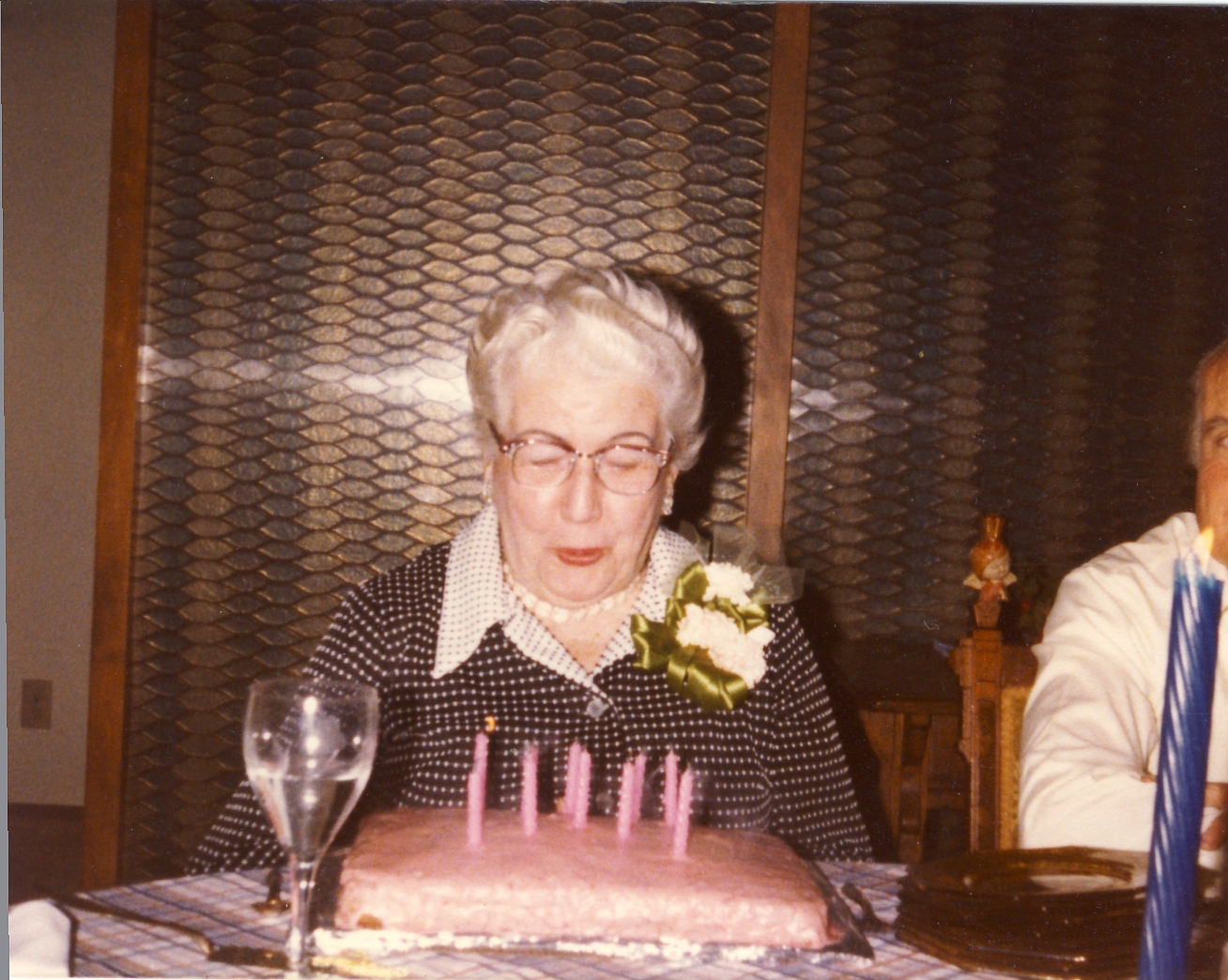
Kathleen Matheson birthday 3Happy Birthday, Granny Gooch!

Thanks, Mom!

Just thinking about my amazing mom and her influence in my life. She passed away 10 years ago but I think about her almost every day. Here are a few pictures to pay tribute to her love for life, her fun personality, and my love for her.
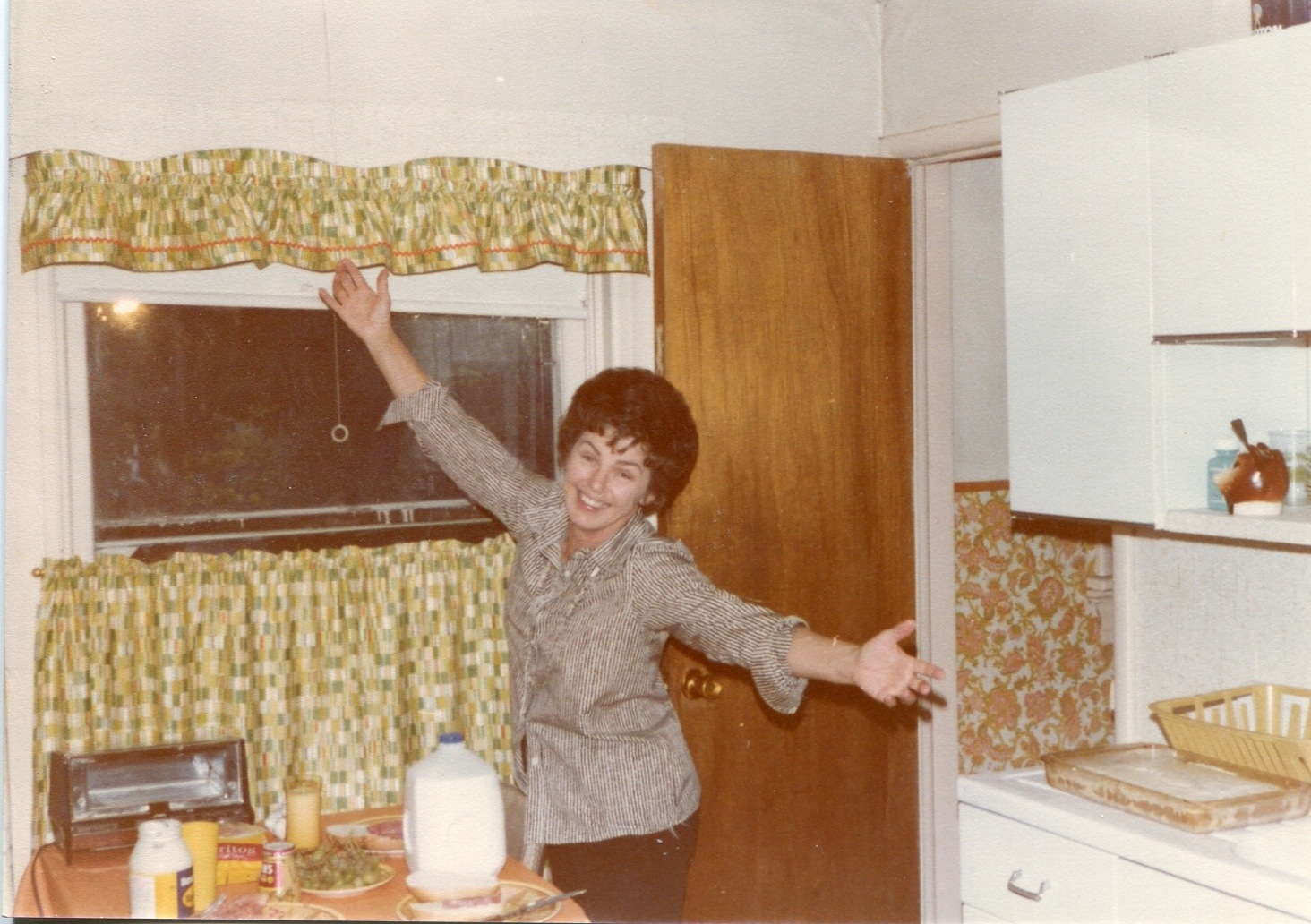
Here she is, staying with me after I had my first baby. She was announcing, “Dinner is served!”:

20130512-221841.jpg</a
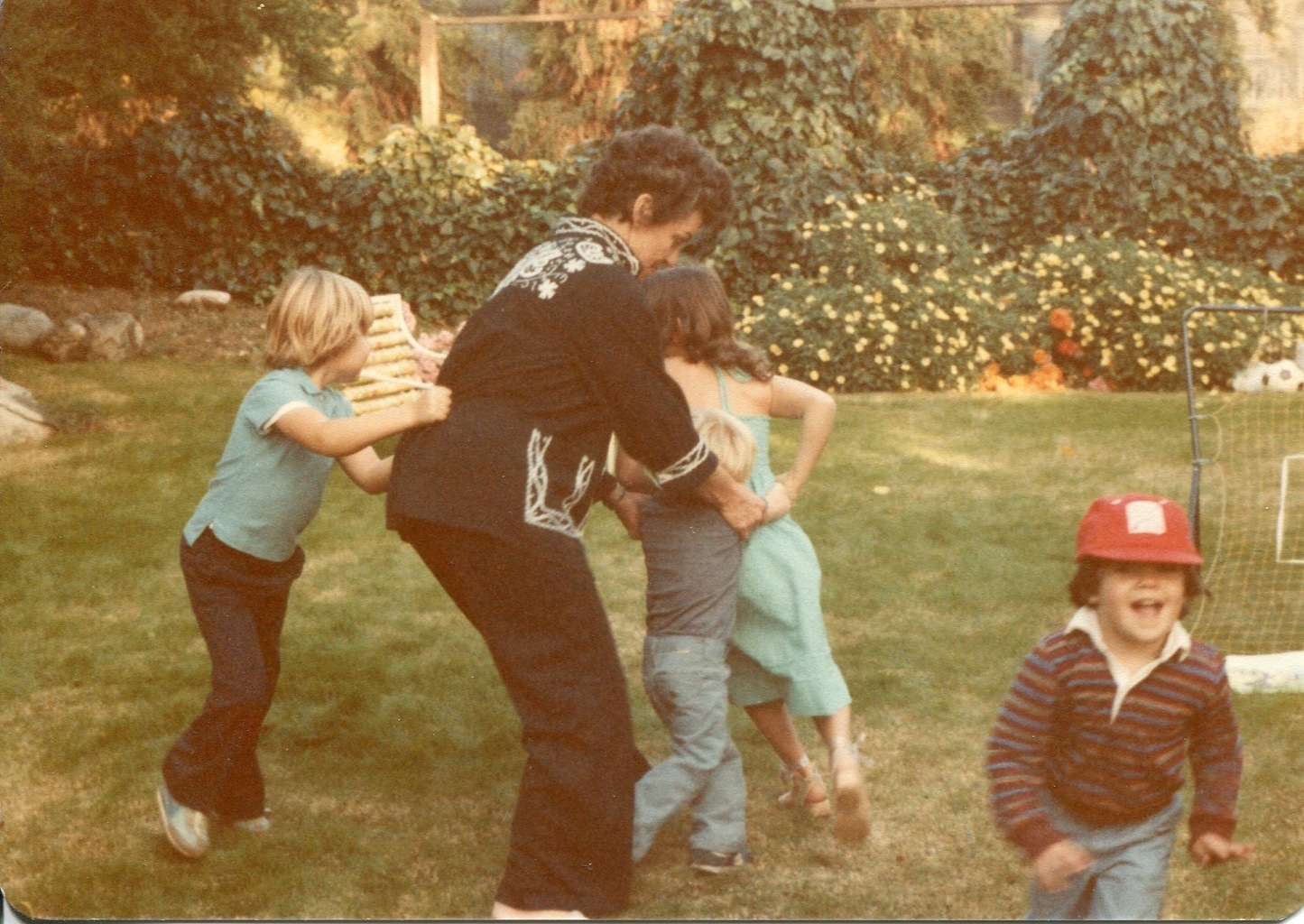
Doing the Bunny Hop with the grandkids at Easter:

20130512-221958.jpg
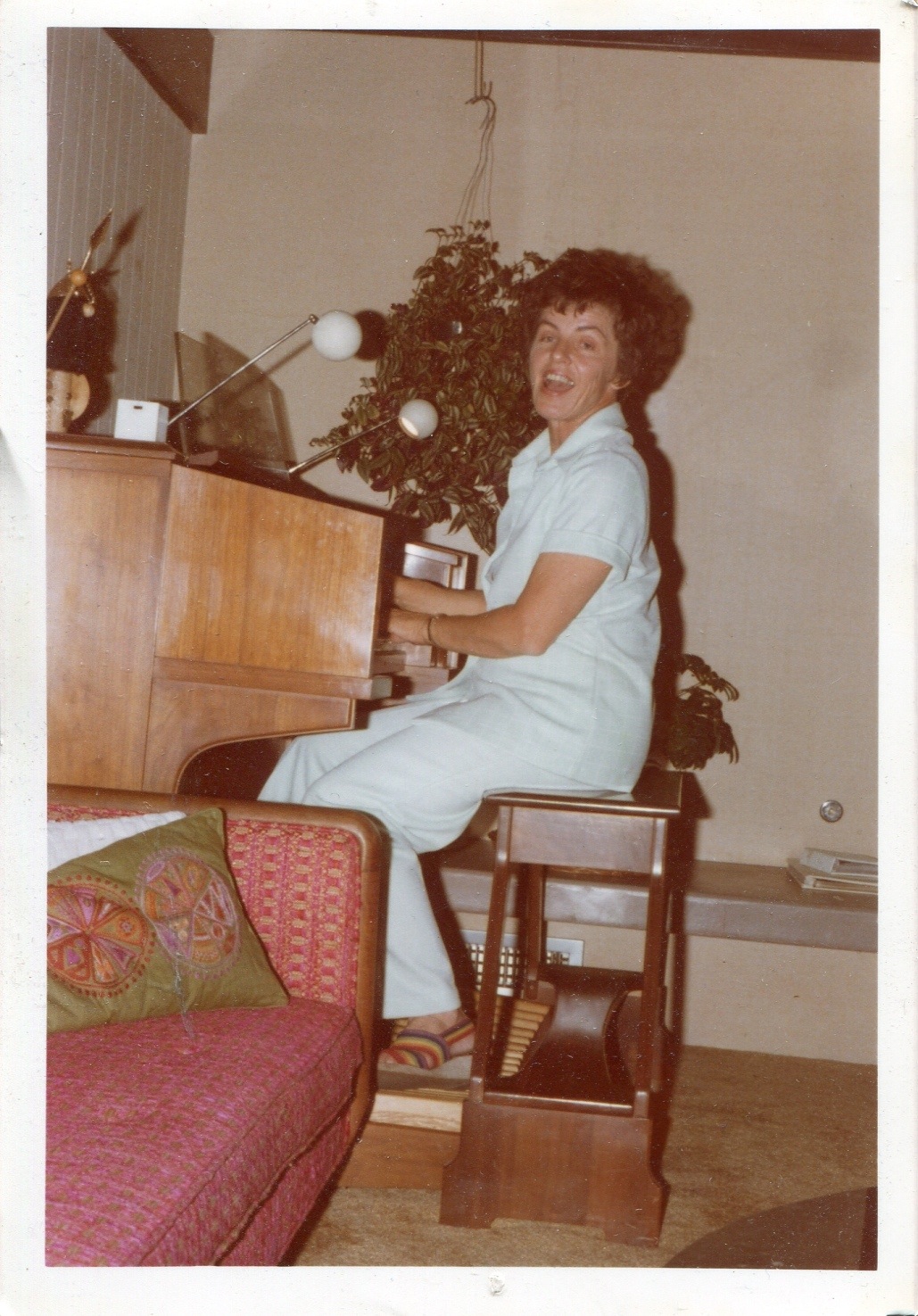
Happily playing the organ:

20130512-222044.jpg
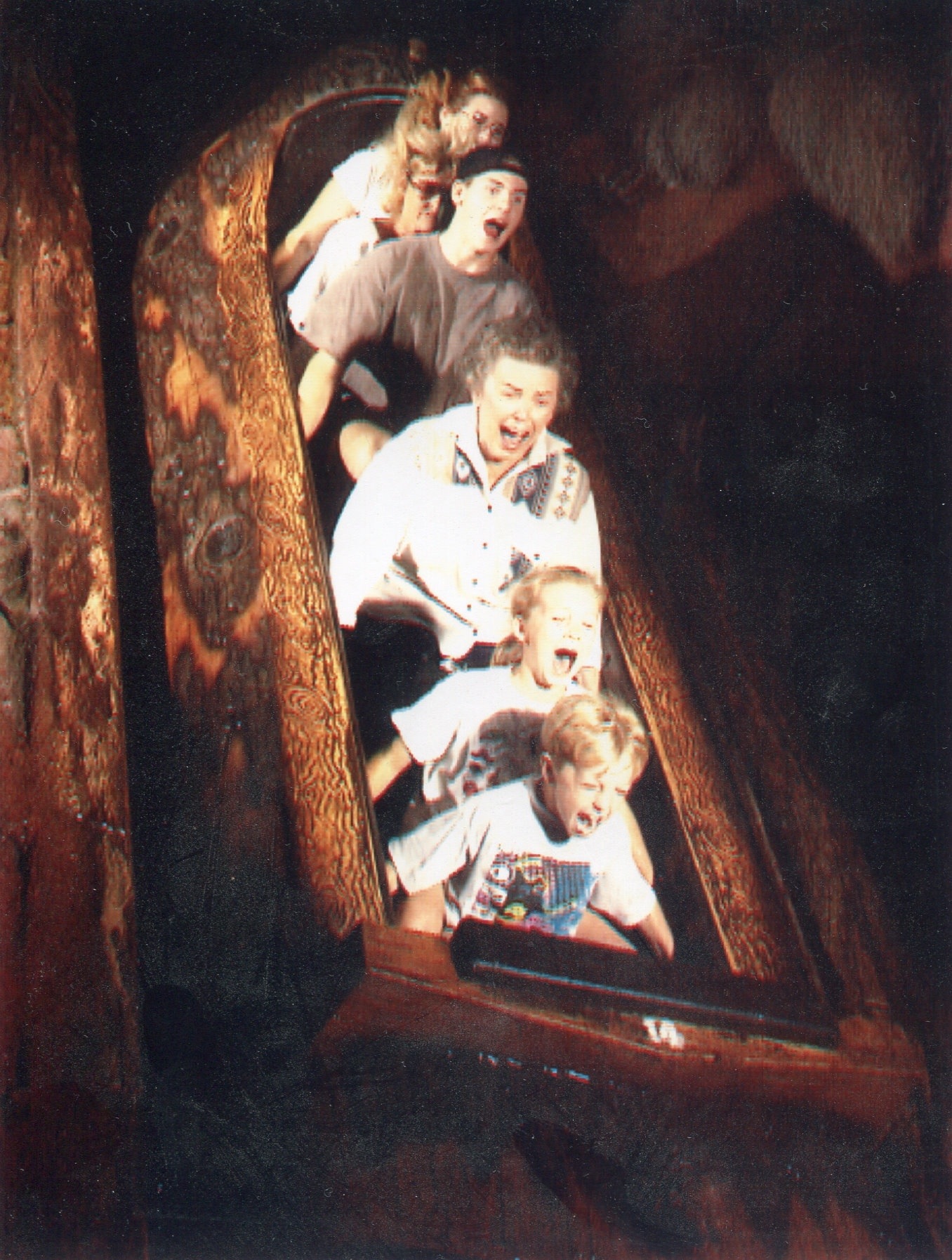
Splash Mountain with the grandkids:

20130512-222206.jpg
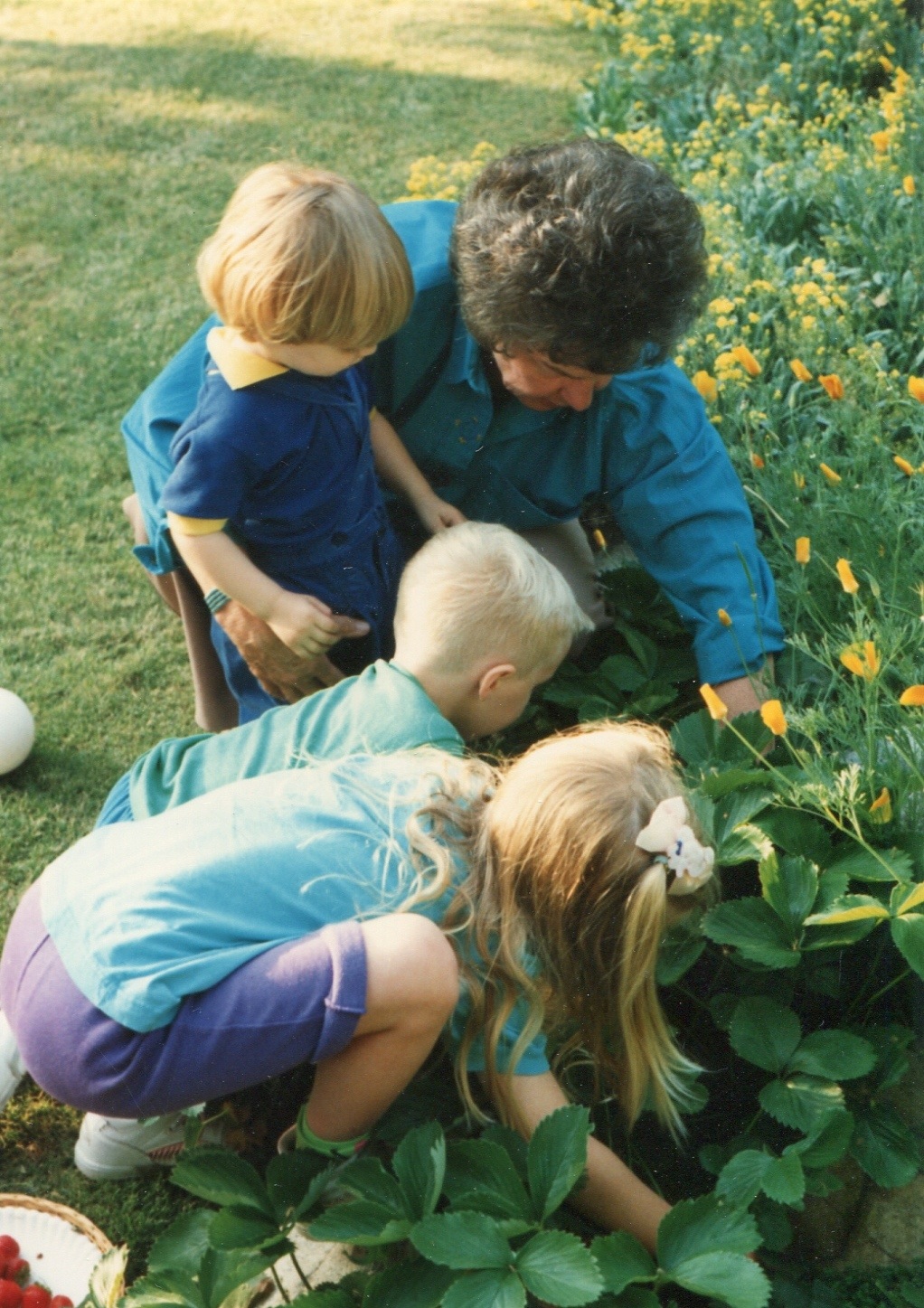
Showing the grandkids how to pick strawberries in her beautiful yard:

20130512-222440.jpg
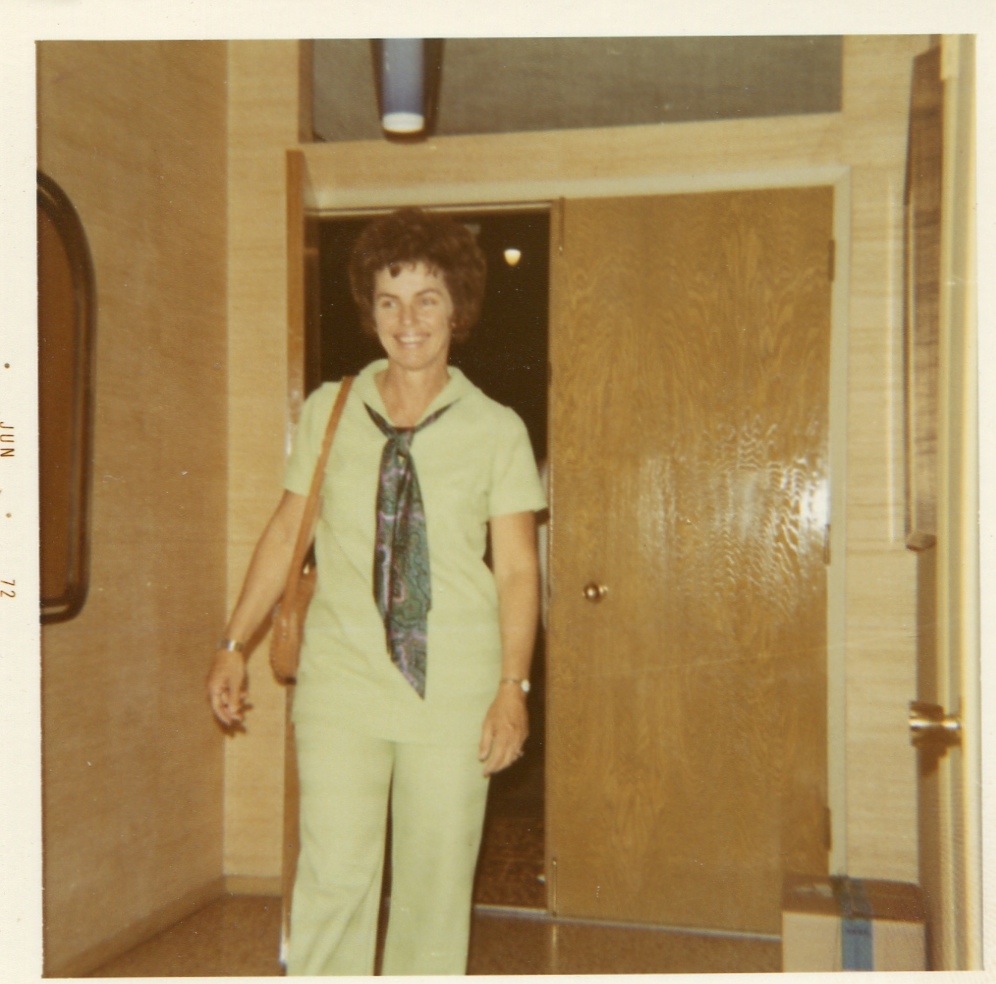
Coming home:

20130512-223905.jpg
Happy Mother’s Day, Mom!

Using Ancestry.com card catalog search for maximum efficiency

As Ancestry.com adds more and more collections to its website I find folks either 1) have more luck in finding their ancestors or 2) feel overwhelmed by their search results and give up sooner. Others just rely on the “shaky leaf” hints to find records. The problem with this is not all of the 31,000+ databases are part of the shaky leaf hint system. Did you know that?

And if you rely solely on Ancestry’s general search results you will likely miss that small database which has your record, because it will show up at the end of a very long list of results. That’s because results are ranked according to things like number of records in a database, and the biggest ones are at the top of the list.

For a more professional and accurate approach to searching, add the Ancestry Card Catalog to your methodology. This will quickly show you which records for a given locality are available on Ancestry, and allow you to narrow your search to a specific collection or database.

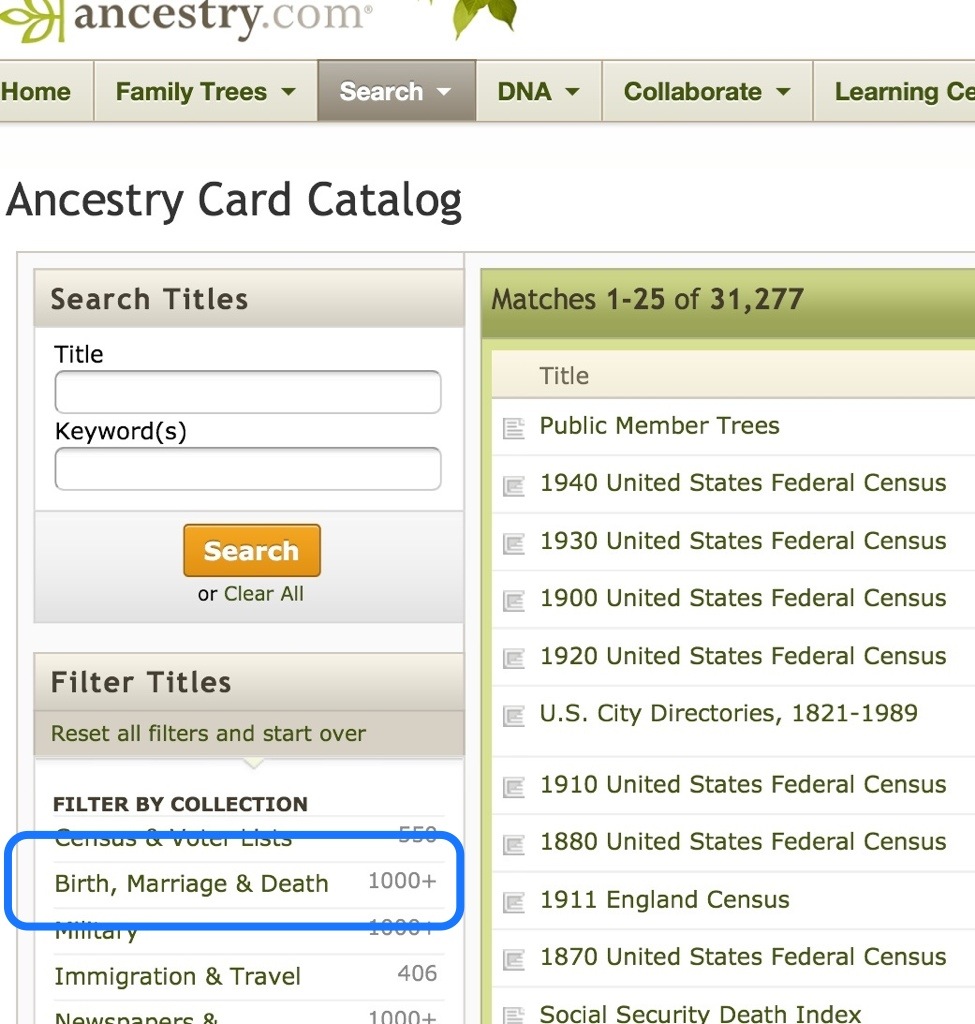
In Card Catalog you can use the “Title” or “Keyword” search, but leaving those blank and using the filters below can be even more effective. Here’s how:

1. Select Card Catalog from the Search drop-down list
2. Filter by collection (e.g. Birth, Marriage, and Death)
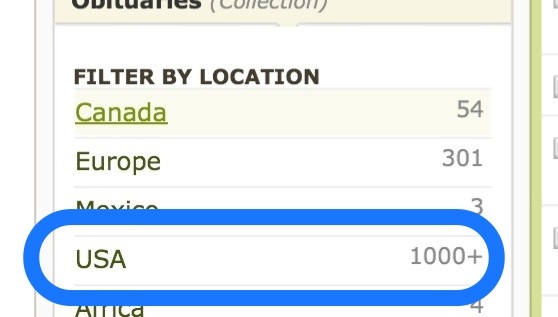
3. Filter by location (you can further filter by time period if you want)
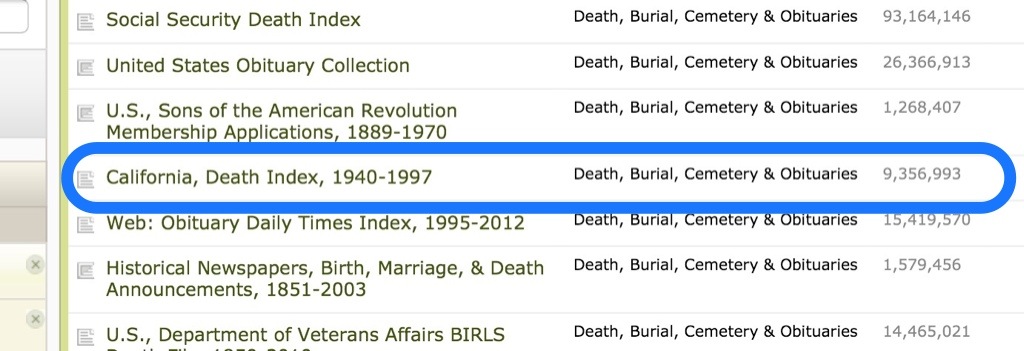
4. Select a database
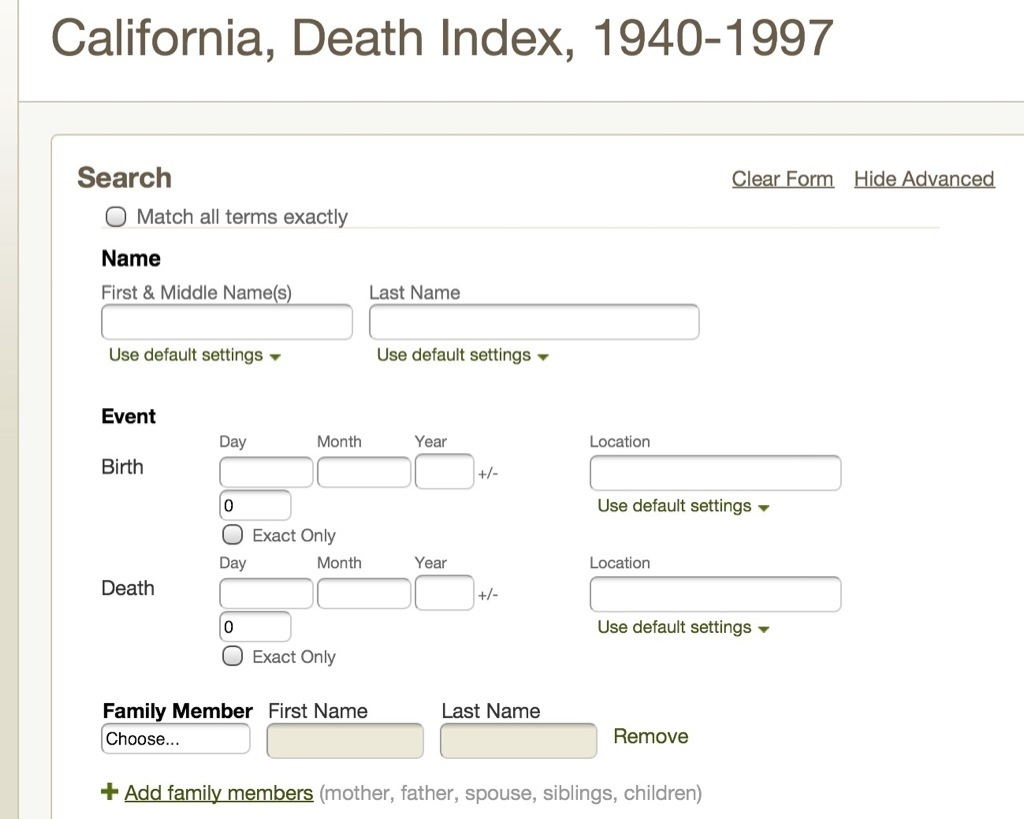
5. Search within the database

When you search within a database, notice that search fields unique to that database appear, allowing you to be creative with your searching. Here’s a look at some screen shots for a Card Catalog search:

20130508-094931.jpg

20130508-095020.jpg

20130508-095033.jpg

20130508-095050.jpg

20130508-095109.jpg

20130508-095119.jpg

20130508-095125.jpg

Another effective search strategy on Ancestry.com is the use of Place Pages, which I will cover in another post. I hope you have some luck with the Ancestry Card Catalog. Let me know what you find!

Smart Women Back Up Their Words…and Files

My sister gave me this mouse pad a number of years ago, and I just love it.  “Smart women back up their words,” it says.  So true.
photo (1)

Well, this week I am also preaching, “Smart women back up their files,” and I am backing that up.  I have a major archiving project going on at my house—25 years worth of research is all going digital.  Scary?  Yes.  Slow?  Yes. Do I want two and a half decades of work zapped with one power surge or a spilled soda?  No.

In recent years I have used two methods of file insurance:  Dropbox gives me synched files on a desktop, laptop, in the cloud, and on an iPad.  Carbonite backs up the desktop in the cloud.  So far, so good.

But my new archiving project has given me a wee problem…storage space.  I am scanning full pages in color, gray scale, or black and white at a resolution of 300 dpi, and am scanning smaller photos at a resolution of 600 dpi.  Each file runs anywhere from 10 mb to 50 mb.  Initially I was saving them in .jpg format, but have now switched to .tif format so the quality is not degraded in the future.  My 222 gb hard drive only had 1 gb free last week!  Oops.  I needed a solution.

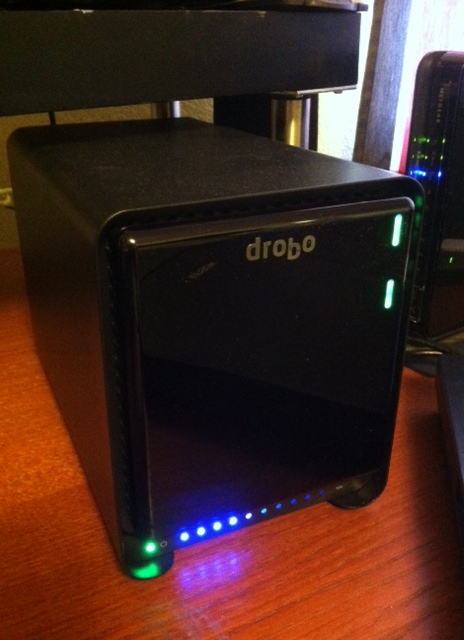
Drobo to the rescue!  We invested in an external hard drive caddy made by Drobo.  I am not a real computer geek and don’t know all the right terminology, but I can explain what it does:  I allows me to insert up to five different drives into it, and it replicates the files on all the drives.  It’s called redundancy.  So if one drive fails the other ones have the files, and it has it’s own internal battery, too, just in case of a power outage.

photo (3)

I got two 2 terabyte drives for my Drobo 5N.   That’s 4,000 gigabytes!  Haha! Now I can scan my whole life into it.  And that’s exactly what I am doing.  Here’s how:

photo (4)Paper files from my filing cabinet get loaded into a document feeder on my Brother MFC 8670.  Using the scanning interface on my desktop computer, I assign a file name and tell it which folder to save it in.  Then click “scan”.  And voila!  (Or viola! as I like to say) The stack of papers gets gobbled up and automatically scanned one by one.  Eeeeasy.  Then the paper files get recycled, unless they are source documents I need to save.  In that case they are labeled and placed in a plastic sleeve in a binder. Very few documents from my file cabinets are originals that need to be saved.

Photos and keepsakes get scanned one at a time on my Epson Perfection v30 photo scanner.  Again, each item is assigned a file name and folder.

photo (2)Then it’s into archival sleeves and binders for certain photos, and into archival photo boxes for photos that are of the snapshot variety.  The keepsakes have been sifted through, too.  Just how many actual report cards do I really need to save?  One or two will do, and it’s to the recycling box for the remainder.

My office has turned into a scanning pipeline of sorts, with boxes labeled, “To be scanned,” “To be filed in archival sleeves and binders,” and “Recycle.”  That way I don’t get slowed down by the archiving process.  I am all about scanning right now.

Why the digital frenzy, you ask?  In recent years we inherited all the photos, keepsakes, and files from my parents and husband’s parents.  Add that to a pretty good collection of stuff I have saved from my own life and family, and well, an episode of “Hoarders:  Genealogists” could be on the horizon.  I refuse to leave all this for my children to sift through. I want it to be accessible to future generations.

Some days I spend all day on it, but a more reasonable approach has me setting a one hour timer and just doing what I can in 60 minutes.  It’s surprising how much can be accomplished in one hour.

Any Smart Women or Men out there?  Have you attempted to digitize your files or photos?  Let me know if you have any good tips!
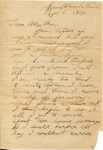
“If I could barber all day I couldn’t carrie my money”

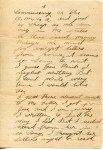
[This is 9th in a series of letters written by Private A.L. Gooch to his parents in Duncan Arizona, while he served in France during WWI.  This letter was written 8 Sep 1918.  Original letters are in possession of Dayna Gooch Jacobs, King City, California. Envelope missing. Transcribed by Dayna Jacobs. Slashes in the transcription indicate line breaks.  Links to other letters: 1 2 3 4 5 6 7 8]

Some Where In France

Sept 8, 1918

Dear Mother:

Your letter of/ July 3d received and you/ know how proud I/ was to get it.  I also/ got a letter from/ Aunt Sarrah and Pinkie,/ and five from Doll/ all in a bunch./  I am realy too tired/ to write when I have/ time and then I have/ to slip off, for every-/ body wants a hair cut/ I cant begin to do it/ all.  I get to work/ about two hours evenings./  If I could barber all/ day I couldnt carrie/

[pg 2] my money. [Note:  A.L. Gooch was a jack-of-all trades and worked as a barber back home in Duncan, Arizona] I have had/ two pay-days here and/ they failed to take out/ the allotment Dont know/ why, But I sent you/ $285.00 of Franc’s a few/ day’s ago.  That means/ $50.00 in American money./  And  I still have my/ pockets full of this/ stuff they call money/ here but it looks/ like soap coupons to me./  Will send you some/ more soon.  If I dont/ spend it all at the sal-/ vation army but for/ doughnuts.  We can buy/ most any thing we/ want here at the/

[pg 3] commissary or the/ Y.M.C.A. and just/ as chap as we can/ buy in the states./  As there isnt many/ thing’s we want/ for except letters/ from home, it seams/ so long to wait./  I guess you think I/ neglect writing, But/ I cant write every/ time I would like/ too. I guess there wasnt much/ to the letter I got from/ Jess, and I am sorry/ I written to Doll the/ way I did, But I hadnt/ heard from her in/ so long, I thought her/ letters aught to reach/

[pg 4] me if Jessie’s did.  But/ I finaly got the letters/ she written and answered/ them, Guess she will/ get over it.  And dont/ think that I let/ anything worry me/ for you cant worry/ in the army. Well I have seen our/ anti air craft guns fireing/ on [‘enemy’ crossed out] enemie/ aireoplains, also saw/ enemie gun’s fire on/ our plains but haven’t/ saw any brought down/  Can hear the guns/ roaring all the time/ But it doesn’t worry/ us any we sleep sound./  This is just about/ as interesting as the/

[pg 5] hunting trips we/ use to have. Ma I havent met/ any Adventist boys/ as yet.  I sent you/ the slip I signed as/ an iclanaglegment [acknowledgement?] to/ the Adventist church./ I am sending my/ searel number to/ be used in writting/ to the government in/ case you dont get/ my mail or loose/ track of me.

Write me soon as you/ get the money I sent/ you.

Please dont worry/ about me mother for/ I am doing fine and/

[pg 6] feeling good.  Sure/ would like to see/ those kid’s.  Tell all/ hell’o and to write./

With love and best wishes

Your son

Pvt A.L. Gooch

Troop A. 314th M.P.

Searel No. 2186203

American E. F.

Censored bye

R. McClaushan (his signature)

Lieut. Inf. M.A.

P.S. heard from sis and Bob but haven’t answered yet.